
Does 8K IPTV subscription include VOD?

An 8K IPTV subscription can include Video on Demand (VOD), but this depends entirely on the IPTV provider and the package you choose. Some services combine live television with a large VOD library, while others focus mainly on live channels and offer limited or no on-demand content.Understanding what is included in an IPTV package is important before subscribing. 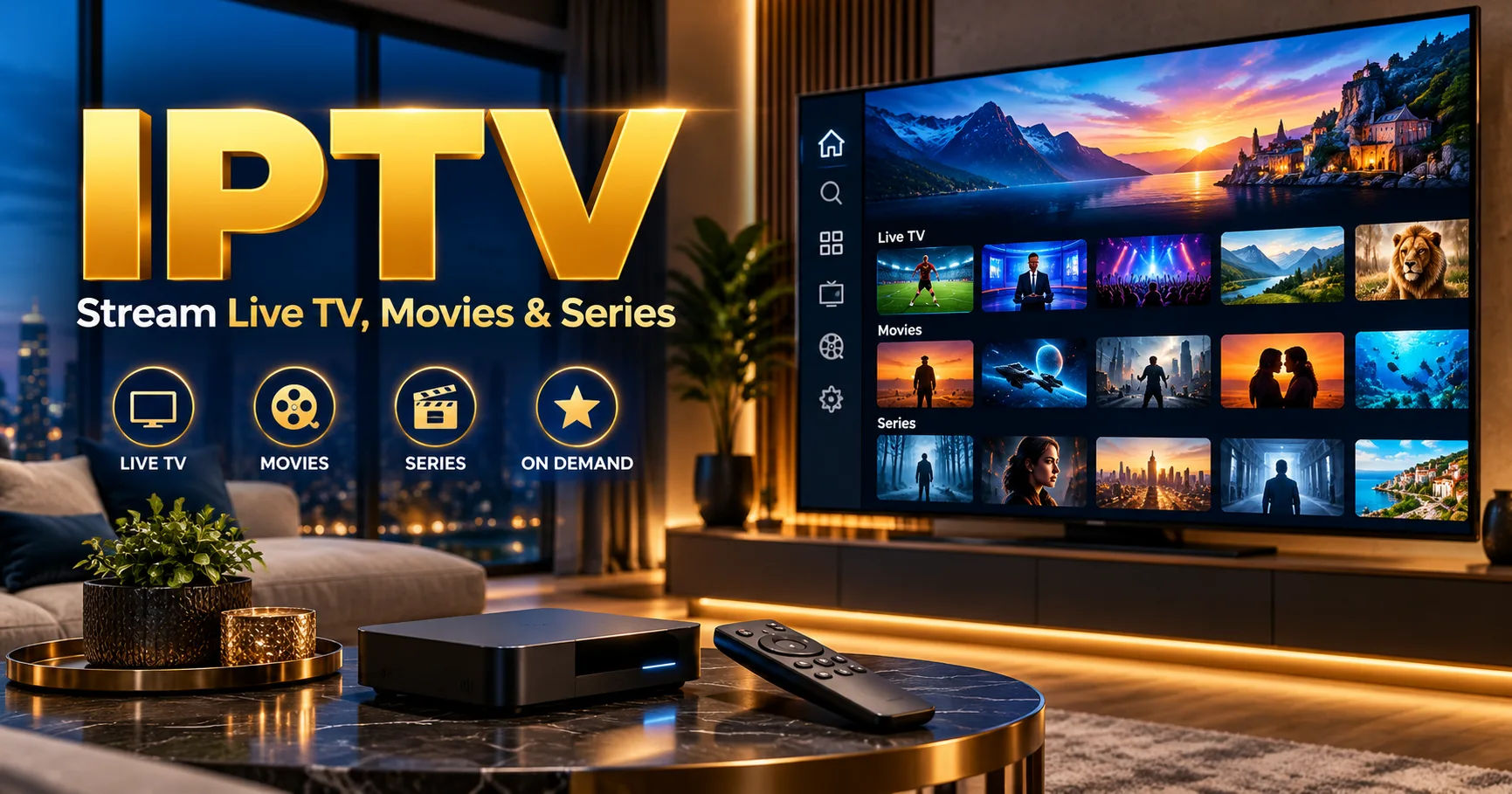 A service may advertise thousands of channels and high-resolution streaming, but that does not automatically mean it provides movies, TV shows, documentaries, or other VOD content.This comprehensive guide explains how VOD works with IPTV, what you should look for in a subscription, and how to determine whether a particular package provides the on-demand content you want.
What Is IPTV?
IPTV stands for Internet Protocol Television. Unlike traditional cable or satellite television, IPTV delivers television content through an internet connection.
Instead of receiving channels through a satellite dish, antenna, or cable line, the content is transmitted as internet data. You can access IPTV through compatible smart TVs, streaming devices, computers, smartphones, and other supported equipment.
IPTV services generally offer several types of content, including live television, Video on Demand, catch-up television, and sometimes time-shifted programming.
The exact combination depends on the provider.
What Does 8K Mean in IPTV?
The term 8K refers to video resolution. An 8K image contains approximately 7,680 × 4,320 pixels, providing significantly more detail than 4K and Full HD.
However, an important distinction should be made between an 8K IPTV subscription and actual 8K content.
A provider may use "8K" as part of its service branding or advertise support for high-resolution streaming. That does not necessarily mean every channel, movie, or TV show is available in native 8K.
Actual resolution depends on the source content, provider infrastructure, device, application, and internet connection.
Does VOD Automatically Come With 8K IPTV?
No. Resolution and content type are two different things.
8K describes the quality or resolution of video, while VOD describes how content is delivered.
For example, an IPTV service could provide:
- Live television in HD
- Some channels in 4K
- Movies through VOD
- TV shows through VOD
- No native 8K content
Therefore, the presence of "8K" in a subscription name does not by itself confirm that VOD is included.
What Is Video on Demand?
Video on Demand allows viewers to select content and watch it whenever they want instead of waiting for a scheduled broadcast.
This is different from live television.
With a live channel, the provider determines what is currently being broadcast. With VOD, you normally choose a movie, episode, documentary, or other program from a library.
VOD can make an IPTV service more flexible because users do not have to follow a fixed broadcasting schedule.
Common Types of VOD Content
An IPTV VOD library may contain different categories of content.
Movies are one of the most common categories. Some services organize movies by genre, language, year, or popularity.
TV series are another common category. Depending on the provider, episodes may be arranged by season so that viewers can watch programs in order.
Other possible categories include documentaries, children's programs, sports-related content, and special entertainment programs.
The size and quality of these libraries can vary considerably between providers.
How an 8K IPTV Subscription May Include VOD
If a provider offers VOD, it may appear as a separate section inside the IPTV application.
After signing in, you might see categories such as:
Live TV
This section contains channels that are currently broadcasting. Users select a channel and watch the ongoing program.
Movies
The movies section contains individual films that can be selected and played on demand.
TV Series
This section may contain complete seasons or individual episodes.
Catch-Up TV
Some services offer catch-up functionality that allows viewers to watch recently broadcast programs after their original broadcast time.
Favorites
Applications may also allow users to save preferred channels or VOD titles for easier access later.
The exact interface depends on the IPTV application and service provider.
Does Every IPTV Provider Offer VOD?
No.
There is no universal requirement that every IPTV subscription must include VOD.
Some providers specialize in live television. Others combine live channels with extensive movie and TV libraries.
This means you should check the package details before purchasing.
A provider's channel count alone is not enough to determine whether VOD is included.
For example, a package advertised with thousands of live channels might provide little or no on-demand programming. Another package with fewer channels could have a much larger VOD library.
How to Check Whether VOD Is Included
Before purchasing an 8K IPTV subscription, look carefully at the package description.
Search for terms such as "VOD," "Video on Demand," "Movies," "TV Series," "On-Demand Library," or "Catch-Up."
If the provider gives a detailed package breakdown, check whether VOD is listed separately from live channels.
Ask About the VOD Library
If the website does not clearly explain the VOD offering, contact the provider.
Useful questions include:
- Is VOD included in the subscription?
- How many movies are available?
- Are TV series included?
- How frequently is the library updated?
- What video resolutions are available?
- Are subtitles available?
- Can VOD content be watched on multiple supported devices?
Clear answers can help you understand what you are actually paying for.
Does VOD Come in 8K Resolution?
Not necessarily.
This is one of the most important points to understand.
An IPTV service can provide VOD without offering 8K VOD.
The availability of native 8K content is limited compared with HD and 4K content. Producing, storing, encoding, and delivering 8K video requires significantly more resources.
Therefore, an 8K IPTV subscription may support high-resolution playback while its VOD library consists mainly of HD or 4K material.
Why Native 8K VOD Is Less Common
8K video contains substantially more visual information than lower-resolution formats.
That means large files, greater storage requirements, more demanding encoding, and higher bandwidth requirements.
Providers also need suitable infrastructure to deliver high-resolution video consistently to viewers.
As a result, it is important to distinguish between an IPTV service that supports 8K playback and one that actually provides a substantial collection of native 8K content.
Internet Speed and VOD Quality
Your internet connection has an important effect on streaming quality.
Higher-resolution video generally requires more bandwidth. If the connection is unstable, you may experience buffering, reduced quality, or interruptions.
VOD can sometimes feel more convenient than live streaming because some applications and services may use adaptive streaming technology.
Adaptive streaming can adjust video quality according to available bandwidth.
For example, if your connection becomes slower, the application may temporarily reduce video quality to prevent constant buffering.
Device Compatibility Matters
Having a high-resolution subscription does not guarantee that you will see the content at its highest possible resolution.
Your television or streaming device must support the relevant resolution.
If you use an older Full HD television, you cannot display native 8K resolution even if the IPTV service provides an 8K stream.
Similarly, your IPTV application and streaming hardware need to support the relevant formats and codecs.
Smart TVs
Modern smart TVs can provide convenient access to IPTV applications, depending on the operating system and available apps.
Streaming Devices
Dedicated streaming devices can also be used when they support the required resolution and IPTV application.
Computers and Mobile Devices
Some IPTV services can be accessed through computers, tablets, or smartphones, although the viewing experience and supported resolution may vary.
VOD and Live TV Are Not the Same
A common misunderstanding is assuming that all content included in an IPTV package works in the same way.
Live TV and VOD have different purposes.
Live TV is useful when you want to watch a program as it is being broadcast. It is particularly relevant to news, live events, and scheduled television programming.
VOD is more flexible because you select the content and start watching when convenient.
A subscription that offers both can provide a broader viewing experience.
What Makes a Good VOD Library?
The number of titles is only one factor.
A useful VOD library should also have good organization.
Categories and search functions make it easier to find specific content. Clear descriptions and artwork can also improve navigation.
Regular updates are another important factor.
A provider that regularly refreshes its library can give subscribers more variety over time.
Language options can also matter. Depending on your preferences, you may want subtitles, dubbed audio, or content in particular languages.
Check Content Legality and Licensing
When choosing an IPTV service, it is important to consider whether the provider has appropriate rights or licenses to distribute the content in your region.
Not every IPTV service available online necessarily has authorization for every channel or VOD title it offers.
A legitimate provider should be transparent about its service and content rights.
Consumers should also be cautious about services that make unrealistic promises, require unusual payment methods, or provide unclear information about the company behind the service.
Does More VOD Mean a Better Subscription?
Not automatically.
A huge VOD number may sound impressive, but quantity does not always equal quality.
A smaller, well-organized library with content you actually want to watch can be more useful than thousands of titles that are outdated, duplicated, poorly categorized, or unavailable.
Consider your own viewing habits.
If you mainly watch live sports and television channels, VOD may be a secondary feature. If you prefer movies and series, VOD could be one of the most important parts of the subscription.
Questions to Ask Before Subscribing
Before purchasing an 8K IPTV subscription, take a few minutes to examine the package carefully.
Ask whether VOD is included rather than assuming it is.
Find out whether the advertised resolution applies to all content or only selected channels.
You should also check device compatibility, supported applications, internet requirements, subscription duration, customer support, and refund policies where applicable.
If VOD is important to you, ask specifically about movies, TV series, updates, languages, subtitles, and available resolutions.
Conclusion
An 8K IPTV subscription may include VOD, but it is not guaranteed simply because the subscription is described as 8K. The term 8K generally relates to video resolution or service capability, while VOD refers to on-demand access to movies, series, and other programs.
The two features can exist together, but they should be evaluated separately.
Before subscribing, check the provider's package details and confirm exactly what is included. Look at the size and organization of the VOD library, available resolutions, supported devices, internet requirements, and frequency of content updates.
It is also important to remember that an IPTV service advertising 8K support does not necessarily provide every movie or channel in native 8K. Much of the available content may still be offered in HD or 4K.
For viewers who value flexibility, VOD can be an important part of an IPTV package because it allows content to be selected according to personal schedules rather than fixed broadcasting times. For viewers who primarily watch live television, the VOD library may be less important.
Ultimately, the best way to understand what you are receiving is to examine the exact subscription terms instead of relying only on the "8K" label. A clear package description should explain whether VOD is included, what types of content are available, which resolutions are supported, and which devices can access the service.
By checking these details before subscribing, you can choose a service based on the features you actually need and avoid confusing high-resolution support with the availability of on-demand content.